May 22, 2026
What Are Stems in Music? How to Get Song Stems from Any Track
Learn what audio stems are in music, how they differ from multitracks, where to find free stems, and how to extract vocal and instrumental stems from any song on Mac.
“Stems” shows up in remix contest rules, licensing contracts, and producer forums, but the definition changes depending on who is using it. This post covers what audio stems actually are in music production, how they differ from multitracks, where to find free song stems, and how to extract vocal and instrumental stems from any song you own on a Mac. If you want to get stems from a song that has never had an official stem release, AI separation is the only practical option, and this guide covers that too.
What Are Stems in Music?
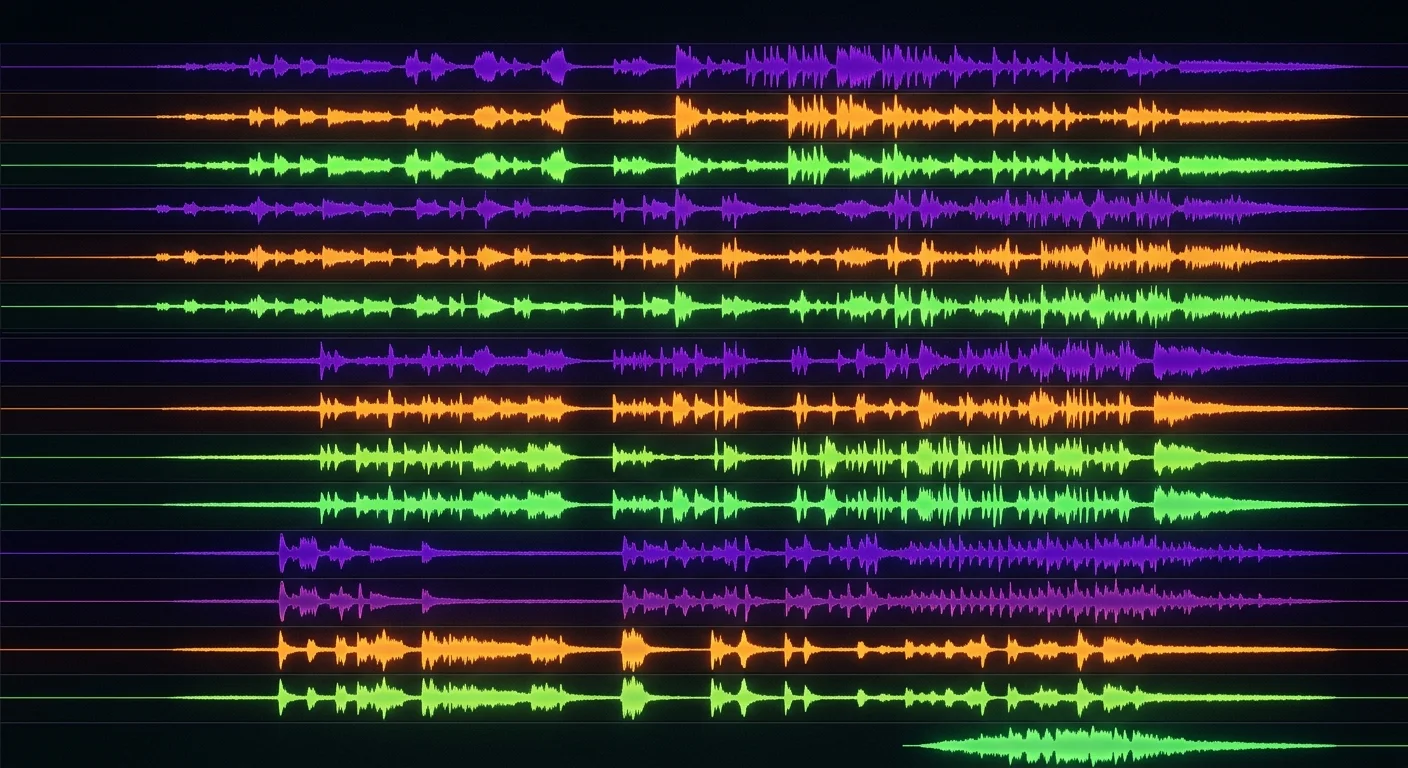
In music production, stems are sub-mixes of a completed song. Instead of one stereo file of the whole track, you get multiple files: one for the vocals, one for the drums, one for the bass, and so on. Each stem contains a group of related audio elements mixed together.
The term comes from broadcast and post-production. When engineers deliver a mix for film or TV, they export grouped sub-mixes so the receiving editor can adjust balance without returning to the original session. Music production adopted the same workflow.
Stems vs. Tracks vs. Multitracks
These three terms get used interchangeably, but they mean different things:
- Multitrack: Every individual recorded element from the original session. One file per microphone, instrument, or synthesizer. A typical album might produce 60 or more individual tracks. This is what the producer worked with in the DAW.
- Stems: Related elements grouped and printed together. All drums become one drum stem; all synth pads become one pad stem. Usually 4 to 8 files instead of 60.
- Mix: The final stereo file. Everything combined into one.
Stems sit in the middle: more detail than the final mix, less granularity than the full session. That middle ground is what most remixers, live performers, and licensing clients actually need.
Why Stems in Music Matter
Remixers use original stems to build new arrangements around source material. Keep the vocal, replace the beat, add new production underneath. Without stems, you work against a sterile acapella or try to loop around bleed from the original instrumental.
Live performers run stems instead of a stereo backing track so the front-of-house engineer has control over individual elements. They can raise the drum stem to suit the room or pull back the pads during a quiet verse. A stereo mix gives them no control at all.
Music supervisors and film and TV editors request stems to fade under dialogue, cut to different sections, or adjust balance for specific scenes. A single stereo file makes precision placement difficult.
Producers and students use stems to study recordings. Soloing the drum stem on a classic track reveals arrangement and production decisions that disappear in the full mix. It is one of the fastest ways to train your ear.
Vocalists and instrumentalists use the vocal and instrumental split to practice. Pull the lead vocal out to sing along with the track; pull the instrumentation out to practice over a raw vocal performance.
Where to Get Free Stems for Popular Songs
This is the question most people are actually trying to answer. Here is a realistic breakdown of what is available.
Remix competitions and official stem releases: Some artists and labels release official stems as part of remix competitions. Splice hosts many of these. Beatport’s remix contests often include stem downloads for the entry period. These are the highest quality stems available because they come directly from the original session. Nothing has been estimated or separated. If a competition exists for a song you want to work with, this is where to start.
Bandcamp artist pages: A small number of artists sell stem packs alongside their albums on Bandcamp. Search for the artist name plus “stems” on Bandcamp. This is more common with electronic music producers who are comfortable with remix culture.
Free stem packs from artists: Occasionally artists release stem packs directly through their websites, SoundCloud, or as promotional tools. Electronic artists do this more often than artists in other genres. Search by artist name plus “stem pack” or “acapella” to find what has been released.
Royalty-free music libraries: Services like Splice, Looperman, and various producer libraries sell stems for royalty-free tracks. These are not stems from commercially released songs, but they are legally clear for use in productions.
AI stem extraction: For any DRM-free song you own, AI separation tools can estimate stems from the mixed track. The quality is not the same as having the original session files, but for the vocal and instrumental split, current AI results are good enough for practice, karaoke, sampling, and many remix applications. This is the only way to get stems from songs that were never officially released as stems, which covers the vast majority of recorded music.
The Most Useful Stem Split: Vocals and Instrumental
For most practical purposes, you only need two stems: the vocal and the instrumental. This two-stem split is what karaoke tracks use, what cover artists practice with, and what most remix projects start from.
Full stem sets with separate drums, bass, and melody are useful in certain professional contexts, but harder to extract cleanly because those elements share frequency ranges and bleed into each other. The vocal and instrumental split is more reliable because the human voice has distinctive characteristics that differ from most instruments.
AI separation performs best on this two-stem split. If you only need the vocal out or the music out, you will get consistently usable results.
How to Extract Song Stems on Mac with SongSplit AI
SongSplit AI runs entirely on your Mac using Apple’s Neural Engine. No uploading, no subscription. The file stays on your machine throughout.
Step 1: Get a DRM-free audio file. You need the song as an MP3, WAV, FLAC, M4A, or AIFF file. Songs purchased from the iTunes Store before Apple Music’s streaming shift are typically DRM-free. Bandcamp downloads work well. If you are using an Apple Music streaming subscription, you will need to purchase the track or use a file you already own.
Step 2: Open SongSplit AI. Launch the app. You will see a simple drop zone in the center of the window.
Step 3: Drop in your audio file. Drag the file from Finder directly onto the SongSplit window, or click the drop zone to open a file picker. SongSplit accepts MP3, WAV, FLAC, M4A, AIFF, and most common audio formats.
Step 4: Choose your processing mode. SongSplit offers a fast mode and a quality mode. For production work or anything you plan to release, use quality mode. Fast mode is good for a quick preview.
Step 5: Let the Apple Neural Engine process the file. Processing runs on-device. M-series Macs handle a typical song in two to three minutes. Nothing leaves your machine.
Step 6: Preview and export. When processing completes, you get two stems: Vocals and Instrumental. Audition each one in SongSplit before exporting. Export both stems as M4A files to any folder on your Mac.
Step 7: Use them in your project. Drop the M4A files into Logic, GarageBand, Ableton, Pro Tools, a video editor, or a karaoke player. They are standard audio files compatible with any modern software.
Download SongSplit AI on the App Store. Free to try, one-time purchase.
What AI Separation Does Well (and Where It Falls Short)
AI stem separation has gotten genuinely good at the vocal and instrumental split. Modern models train on large datasets and the results are usable for most practical purposes.
Where it gets harder: separating individual instruments from each other. Drums, bass, and guitar all share frequency ranges and overlap in time in ways that make clean individual separation difficult. If you need a clean solo drum stem from a densely produced pop record, results will vary more than they do for the vocal split.
SongSplit AI focuses on the vocal and instrumental split because that is where quality is consistently high enough to be useful. It does not attempt full multi-stem separation, which keeps the quality bar where it needs to be.
One thing to keep in mind: AI separation is an estimation, not a decomposition. The model infers what the vocals probably sound like based on patterns learned during training. You may hear faint bleed artifacts on complex recordings. For karaoke, practice, and sampling this is rarely a problem. For professional remix releases, be selective about which recordings work cleanly.
For free stems of commercial songs, AI extraction from a file you own is the only practical option when official stems do not exist.
Frequently Asked Questions
What is the difference between a stem and a sample?
A sample is a short audio clip taken from a recording: a drum hit, a bass riff, a vocal phrase. A stem is a full-length sub-mix of one element or group of elements across the whole song. A stem contains the complete drum performance from start to finish; a sample might be a single bar from that drum stem.
Can I get free stems for any song?
Official stems only exist for a small fraction of commercially released music. They are typically distributed through remix competitions or released by artists themselves. For most songs, AI extraction from a DRM-free audio file is the only option. The quality is good for most practical purposes (karaoke, practice, light remix work) but is an estimation rather than a true stem from the original session.
What format are stems usually in?
Official stems from professional sessions are almost always WAV files: uncompressed audio at the original session sample rate and bit depth, commonly 44.1 kHz / 24-bit or 48 kHz / 24-bit. AI-extracted stems from SongSplit AI export as M4A, which is an AAC-encoded file. M4A is high quality and plays anywhere, but it is a compressed format. If you need uncompressed WAV for mastering or broadcast, you can convert M4A to WAV using standard tools like ffmpeg or any DAW.
Are stems the same as multitracks?
No. Multitracks are every individual recorded element from the session, which could be dozens of files. Stems are grouped sub-mixes where related elements are combined into one file. The drum multitrack might contain 15 or more individual tracks (kick, snare, hi-hat, overheads, room mics, and so on); the drum stem is all of those printed together into one file.
Does SongSplit AI separate drums, bass, and guitar individually?
No. SongSplit AI produces two stems: the vocal stem and the instrumental stem. This is an intentional focus. The quality of the vocal and instrumental split is consistently high, while separating individual instruments from each other introduces more bleed and artifact. If you need drum, bass, and guitar stems separately, LALAL.AI or a similar multi-stem service will attempt that separation, though expect more artifact on complex material.
What songs work best for AI stem extraction?
Pop, rock, R&B, country, and hip-hop recordings from roughly 1990 onward tend to separate well. The cleaner the recording and the more distinct the vocal from the instrumentation, the better the result. Dense jazz with a live band, experimental music with heavy vocal processing, or very old mono recordings are harder for any AI separation tool.
Is it legal to extract stems from a song I own?
This depends on your jurisdiction and intended use. In general, creating a personal copy for your own practice or study is treated differently from using the extracted stems in a commercial release or public performance. If you plan to release a remix or use a stem in a production, you need the appropriate license from the rights holders. AI extraction does not change the underlying copyright situation.
Related Guides
For a step-by-step guide on extracting vocals from any song: How to Extract Vocals from a Song
For making a karaoke track from any song: How to Make a Karaoke Track
For comparing vocal remover tools on Mac: Best Vocal Remover App for Mac
Ready to split?
Download SongSplit AI and start separating your favorite songs today.