May 22, 2026
What Are Stems in Music? How to Get Song Stems from Any Track
Learn what audio stems are in music, how they differ from multitracks, where to find free stems, and how to extract vocal and instrumental stems from any song on Mac.
Powered by on-device AI.
Your music never leaves your Mac or iPhone. No cloud. No subscription.
Free to try · One-time unlock · Auto-updates included
Whether you're singing, practicing, or producing, SongSplit AI gives you the stems you need.
Strip the vocals from any song and sing your heart out. No more searching for karaoke versions.
Isolate the instrumental to practice your vocals, or remove the guitar to learn the part yourself.
Get clean vocals or instrumentals for your next remix. Layer, blend, and create something new.
Sample vocals, analyze arrangements, or use stems for reference tracks in your DAW.
No accounts. No uploads. Just drop a song and get your stems.
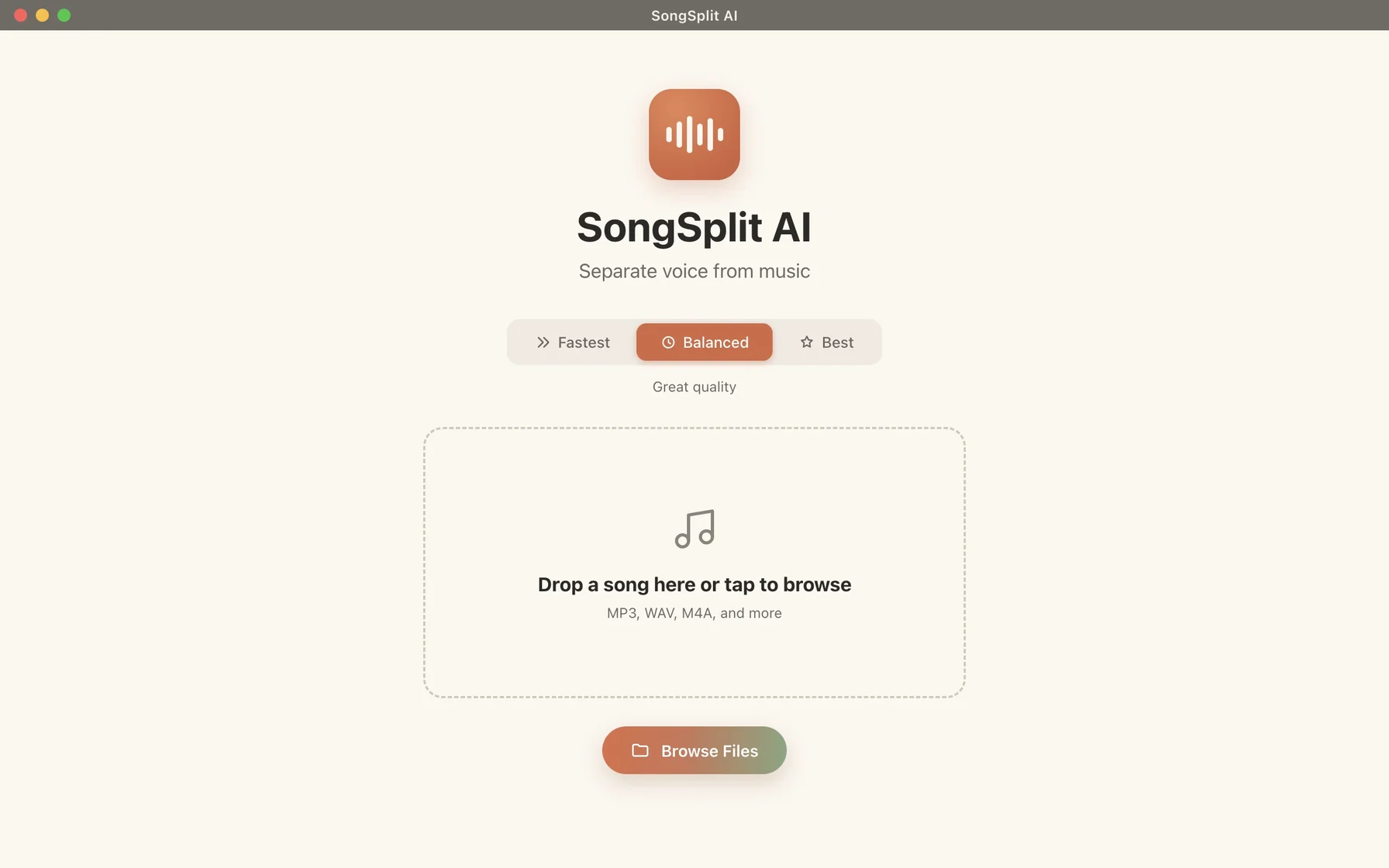
Drag and drop any DRM-free audio file—MP3, WAV, M4A, FLAC—you name it.
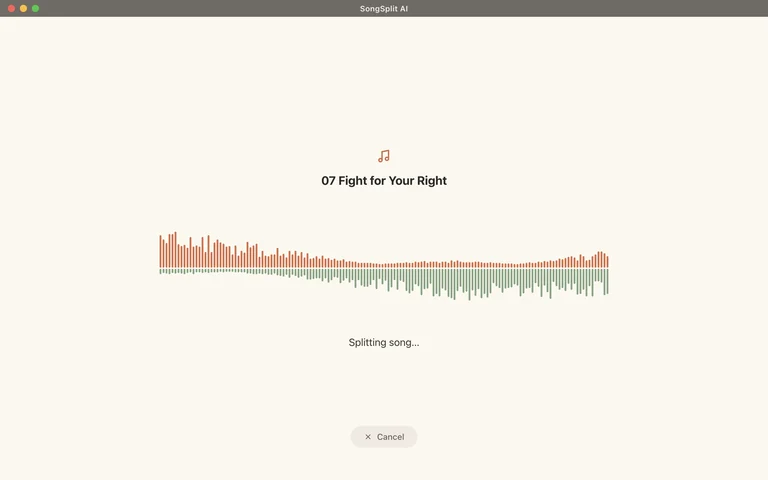
Watch the waveform as on-device AI separates vocals from instrumentals.
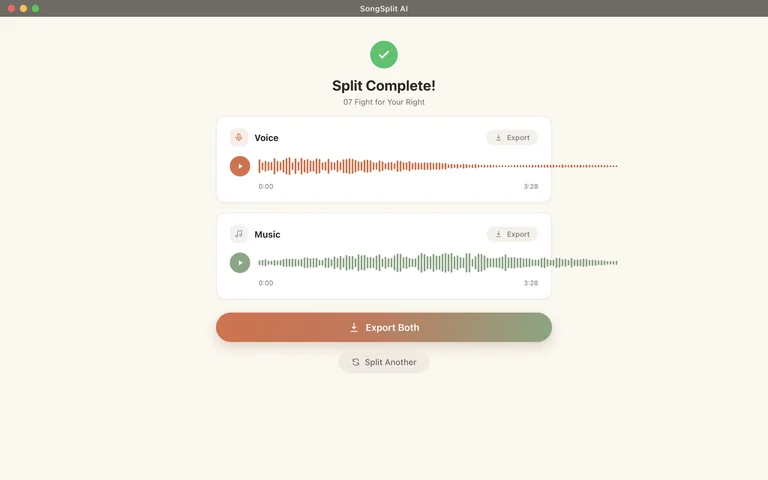
Save the vocals, instrumentals, or both as M4A files ready to use anywhere.
I built SongSplit AI because I needed it myself. Here's what I packed in.
Choose between fast processing for quick previews or high-quality mode for production-ready stems.
Import MP3, WAV, FLAC, M4A, AIFF—any audio format your device can play. Exports to M4A.
Watch separation happen in real-time with color-coded waveforms for vocals and instrumentals.
Preview your stems before exporting. Toggle between vocals and instrumentals to hear exactly what you'll get.
Built with SwiftUI for Mac and iPhone. Feels right at home on your device.
I take privacy seriously. SongSplit AI processes everything on your device—no exceptions.
The AI model runs entirely on your Mac or iPhone. Your audio files never leave your device.
No sign-ups, no servers, no data collection. Buy once and it's yours forever.
No internet required after download. Split songs on a plane, at a cabin, wherever.
Guides and tips for getting the most out of your music.
May 22, 2026
Learn what audio stems are in music, how they differ from multitracks, where to find free stems, and how to extract vocal and instrumental stems from any song on Mac.
May 22, 2026
A complete guide to creating karaoke versions of any song using AI stem separation. Covers Mac, iPhone, source files, quality tips, and how to use your finished track.

May 22, 2026
A complete guide to extracting vocals from any song on Mac or iPhone. Covers AI-based methods, step-by-step workflow, quality tips, and common questions.
Download SongSplit AI and start separating your favorite songs today.
Free to try · One-time unlock · Auto-updates included